Technology
Stress-Testing an Argument: Inside ilovelawyer's Legal Terminal and Red Team Pane
October 1, 20263 min read
Every litigator knows the moment before filing when the argument looks strong on paper and the question becomes where the other side will push. ilovelawyer, a legal AI workspace, builds that question into its Legal Terminal, a feature aimed at complex litigation.
- What the Legal Terminal is
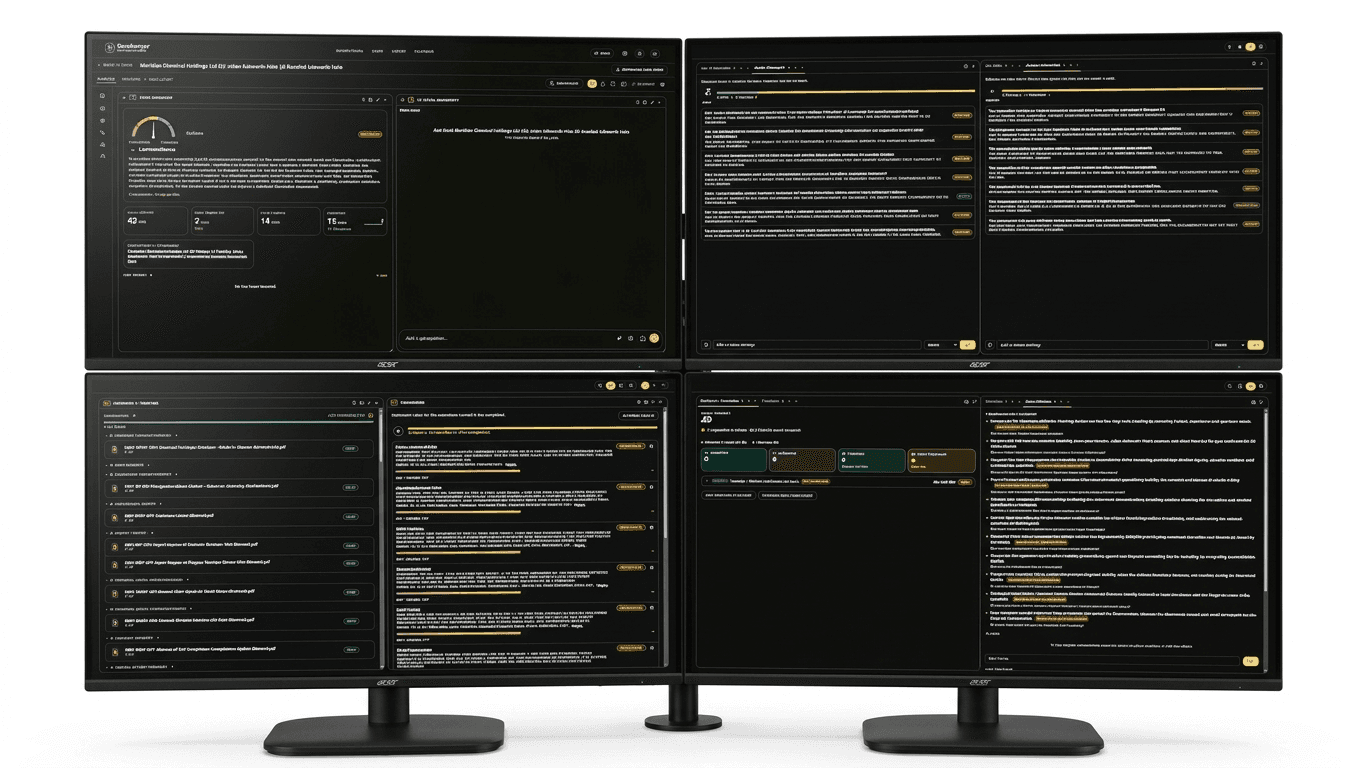
The Legal Terminal is a customizable grid workspace. Instead of a fixed layout, users choose which analytical panes to show and mix them to suit the matter and their own way of working. A lawyer preparing a heavily documented dispute can arrange the grid very differently from one drafting a narrow motion.
This flexibility matters because litigation work is not uniform. Some days call for chronology, others for authorities, others for pressure-testing the theory of the case. The terminal is designed so that the workspace adapts to the task.
- The Red Team Pane
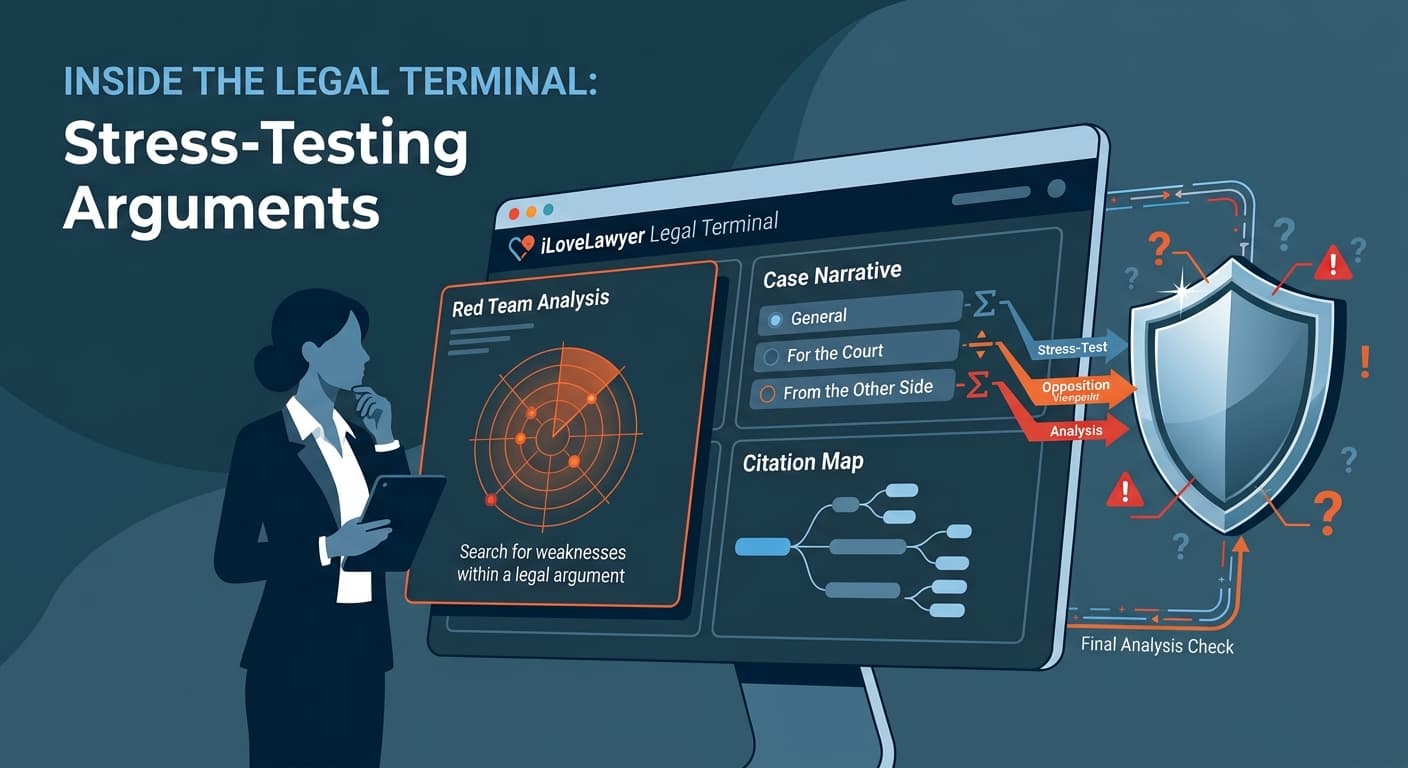
The standout pane is the Red Team Pane. In security and strategy work, a "red team" plays the opponent, looking for weaknesses. ilovelawyer applies that idea to legal argument. The pane evaluates how strong an argument is and gives detail on where each claim comes from.
Two design choices are worth noting:
- Attribution. The pane shows the source behind each claim, so the lawyer can see what the argument actually rests on.
- Color coding of certainty. It separates validated facts from inferences generated by the AI. That distinction is important. An AI that blends established facts and its own guesses into one confident paragraph is dangerous in a legal setting. Marking which is which lets a lawyer decide what needs checking before it goes anywhere near a court.
- Case narratives for three audiences
The platform can also reconstruct a case as a narrative, and it can write that narrative for different readers. Three viewpoints are offered:
- General, for a plain-language account.
- For the Court, written with the tribunal in mind.
- From the Other Side, which tells the story as opposing counsel might.
The last one is the most interesting for practice. Reading your own case from the opposing side is a standard way to find gaps, and having it generated on demand shortens that step.
Arguments depend on the authorities they cite. ilovelawyer's Citation Map starts from the central case and expands visually to connected precedents and statutes. Selecting a node shows the status of the authority, an excerpt and a link to the original source. Together with the Red Team Pane, it lets a lawyer check both the strength of an argument and the support underneath it.
The Legal Terminal sits alongside the rest of the platform: Consultation for open questions, the Case Workspace for evidence, and the Library for direct search of statutes and jurisprudence. The company designs the platform for practitioners in jurisdictions including the Philippines and the United Kingdom.
Tools that label facts and inferences help, but they do not replace a lawyer's judgment. Any authority the AI surfaces should be confirmed against the original source, and ilovelawyer's own design, which links back to source material, is built to make that check easy.
For litigators, the appeal of the Legal Terminal is not more automation but better questioning: a workspace that pushes back on an argument, shows what it rests on, and retells the case from the other side. That is a practical use of legal AI, and one that keeps the lawyer in charge of the decision.
Sponsored Recommendations
Share this article