Technology
ilovelawyer Legal Terminal: Legal AI With a Red Team Built In
October 5, 20264 min read
Most legal AI tools are built to help a lawyer build a case. ilovelawyer's Legal Terminal also asks a lawyer to attack it. Two of its panes, Red Team and Decisions, are designed around a simple idea: a lawyer should see how the other side will argue, and should be able to check why the software said what it said.
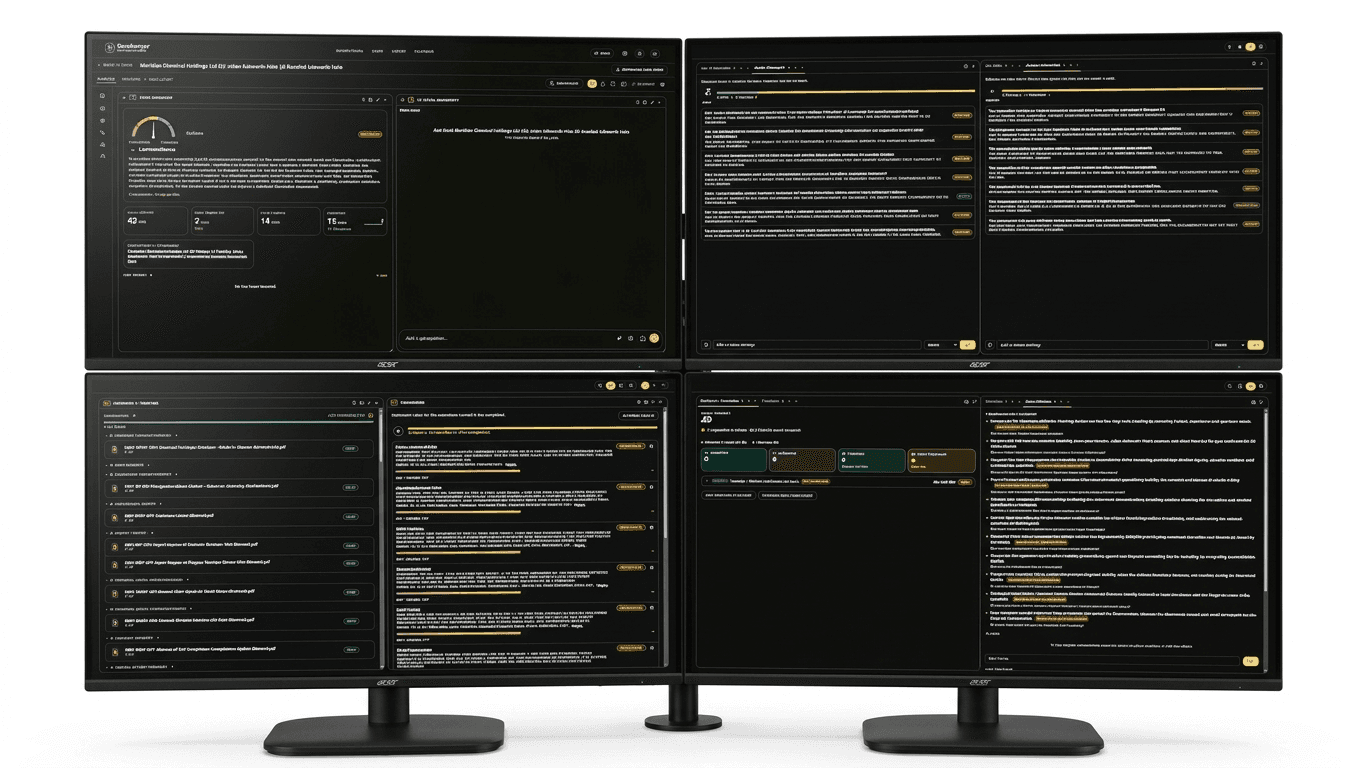
ilovelawyer is AI legal intelligence software for lawyers. It is not a law firm and does not give legal advice. It covers case management, AI consultation with cited case law, and the Legal Terminal, a workspace where a lawyer arranges up to 19 panes of case intelligence freely on screen, rather than working inside a fixed dashboard.
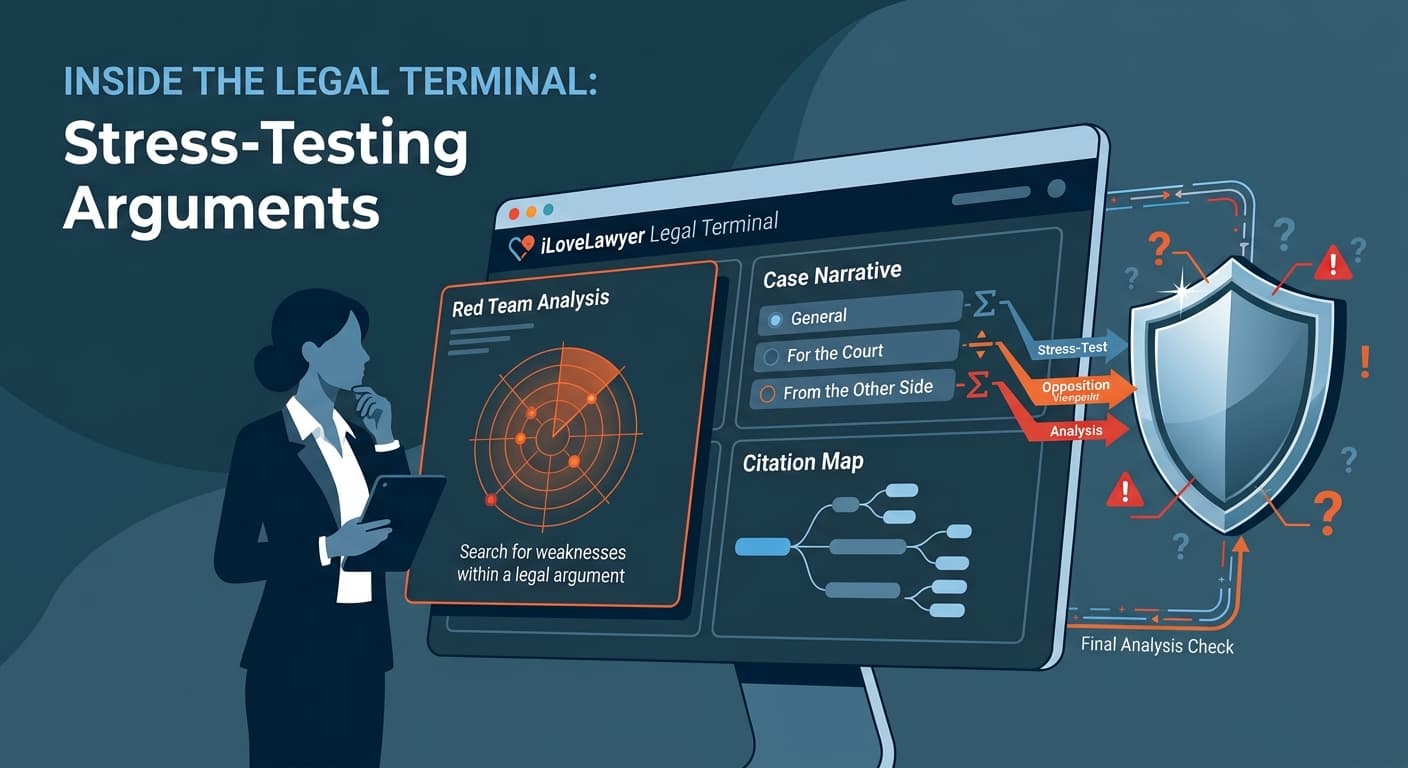
The Red Team pane lists opposing counsel's likely attacks on a case, ranked by expected impact. The point is to stress-test the case before the other side does. It sits alongside Defense Strategy, which prepares answers to the other side's likely defenses, and Attack Strategy, which lists affirmative moves tied to blockers and readiness.
Two further panes give a lawyer an honest read on the case itself. Strengths shows the points that help persuasive strength, so a lawyer knows what to lead with. Weaknesses shows the points that hurt it.
For a litigator, this follows the order of work in a good preparation meeting: what do we have, where are we exposed, what will they say, and what do we say back? The Terminal puts those questions on one screen, next to the evidence and the law.
The Decisions pane addresses the question lawyers ask of any AI tool: why should I trust this? For each AI answer it shows the rule applied, the evidence for and against, and what would change the conclusion. A lawyer can check that reasoning rather than accept a result on faith.
This works with the platform's citation checking. Every quoted authority is verified against a real source document, which is meant to reduce hallucinated citations. In the consultation view, related case law appears beside the answer with its title, citation number, source link and excerpt, and vetted citations are marked.
Two other design choices are about candour. The Case Reconstruction pane drafts an editable chronological narrative, with tabs for a general version, one for the court and one from the other side. It also lists what the narrative does not cover, so gaps are flagged instead of papered over. The Theories pane places each lawyer's theory of the case side by side and never merges them, so a team's disagreement stays visible.
Panes can be dragged by the header grip and resized from any edge or corner, with starting presets of one, two, four or six panes. A lawyer can save a named layout for a case as a Terminal Workspace, stored server-side, and reload it on any machine. A Chat pane answers questions from the case's own material, not from generic AI output.
ilovelawyer runs as two jurisdiction-specific sites. The Philippine version cites Philippine jurisprudence and a statutory code library and tracks deadlines. The UK version cites precedent from England and Wales, Scotland and Northern Ireland, searches TNA Find Case Law and legislation.gov.uk live, and tracks provisional CPR deadlines.
Legal AI is now judged less on whether it can produce an answer and more on whether a lawyer can verify it and test it. A tool that ranks the opposition's attacks and shows its own reasoning, with evidence on both sides, speaks to that. It does not replace a lawyer's judgment. It gives the lawyer more to judge with.
More information: uk.ilovelawyer.com (United Kingdom) and ph.ilovelawyer.com (Philippines).
Sponsored Recommendations
Share this article